🚀 Novedad: Copiloto Legal con IA y Web de Captación ya disponibles. Descúbrelos

Introduction to the Calendar

Calendar Manual

Calendar for attorneys

Lexdigo’s Legal Calendar is designed to help attorneys efficiently manage their appointments, court deadlines, and meetings, all from an easy-to-use platform fully integrated with other management tools. This manual will guide you through the key functionalities of our calendar system, providing you with tools to optimize your time, improve your firm’s organization, and ensure you don’t miss any important details related to your cases.

At LexDigo, we have developed the calendar with the goal of facilitating the organization and management of your professional day-to-day activities. Thanks to its advanced functionalities, you can set alerts for court deadlines, schedule reminders for client meetings, and maintain efficient control over your daily tasks. The following describes how to configure and use this feature effectively, ensuring that everything is managed in an organized manner, without setbacks, and in compliance with established deadlines.
1. Accessing the Calendar

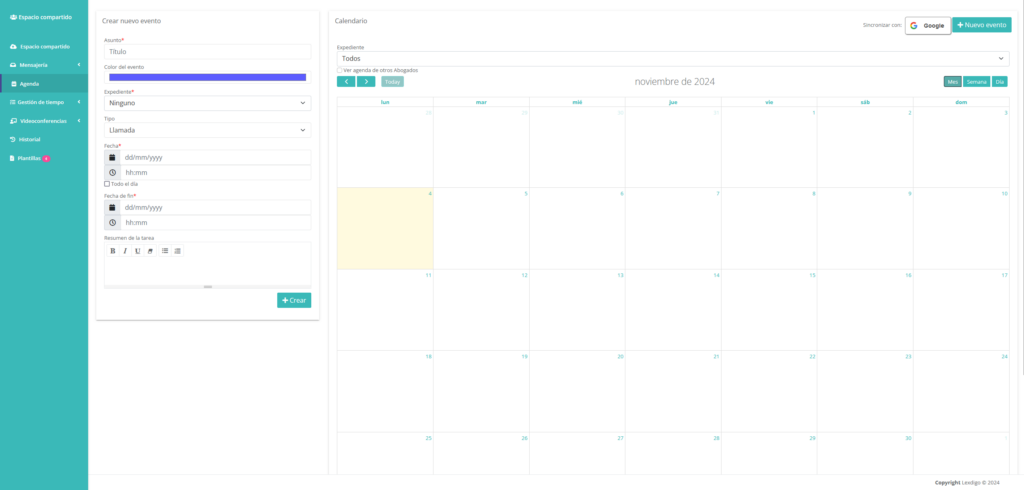
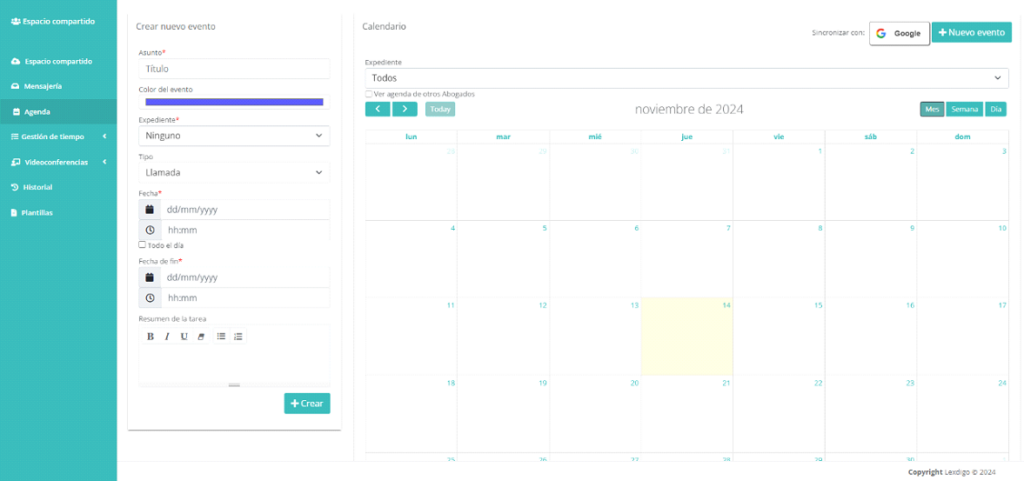
Upon accessing, the following will be displayed:

Manual calendar

In ‘New event’ you can schedule all necessary events, such as meetings, calls, videoconferences, among others.

It is necessary to access the synchronization section with:

By clicking the button, you will be redirected to the Google URL to connect your account.

Once connected, we will be able to view Google Calendar events in our calendar within the platform.

Configuration performed by the technical team during the installation process.

Este sitio web utiliza cookies para que usted tenga la mejor experiencia de usuario. Si continúa navegando está dando su consentimiento para la aceptación de las mencionadas cookies y la aceptación de nuestra política de cookies, pinche el enlace para mayor información.plugin cookies

ACEPTAR
Aviso de cookies
Lexdigo User Manual
Lexdigo User Manual