Introduction to task management
Welcome to the LexDigo Task Management Manual. This is your guide to efficiently organizing and managing your team’s activities and responsibilities. Here, you will learn to manage tasks in a clear and structured way, ensuring that projects and cases proceed without setbacks.
Create and delete tasks easily as needed. Assign each task to cases or clients to maintain organized tracking.
Tasks can be associated with a specific case or client, or, if you prefer, they can remain unassociated. This offers flexibility according to the needs of each project.
Bill your tasks by hours or units. Additionally, you will have access to the history of time spent on each task, facilitating control and precision in billing.
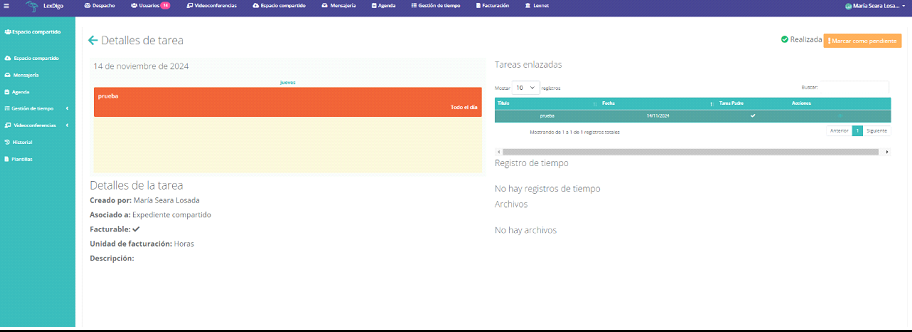
Attach relevant files and leave comments on tasks. This facilitates tracking and ensures that all important details remain centralized and accessible.
Mark tasks as finished when they are completed. This way, you will have better control over progress and a precise record of completed tasks.
We can create tasks for other users, assigning the professional responsible for performing them.
Additionally, if collaboration is required on a task, we can record the time spent from our user account.
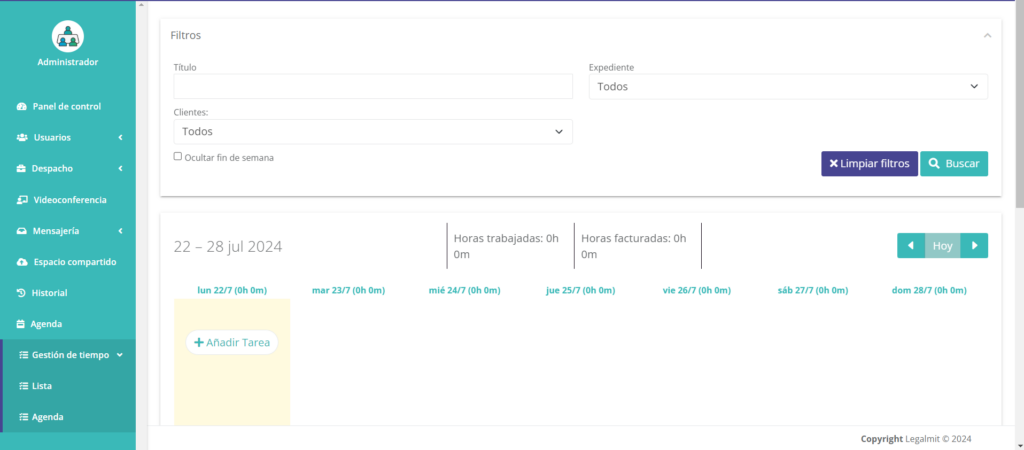
Stay on top of your task list and manage your time efficiently. With LexDigo, you can consult all your pending and overdue tasks directly from the main dashboard. View and mark tasks as completed easily from your calendar.
Time management has never been so simple, allowing you to prioritize and stay organized regardless of your location.
Este sitio web utiliza cookies para que usted tenga la mejor experiencia de usuario. Si continúa navegando está dando su consentimiento para la aceptación de las mencionadas cookies y la aceptación de nuestra polÃtica de cookies, pinche el enlace para mayor información.plugin cookies
ACEPTAR